
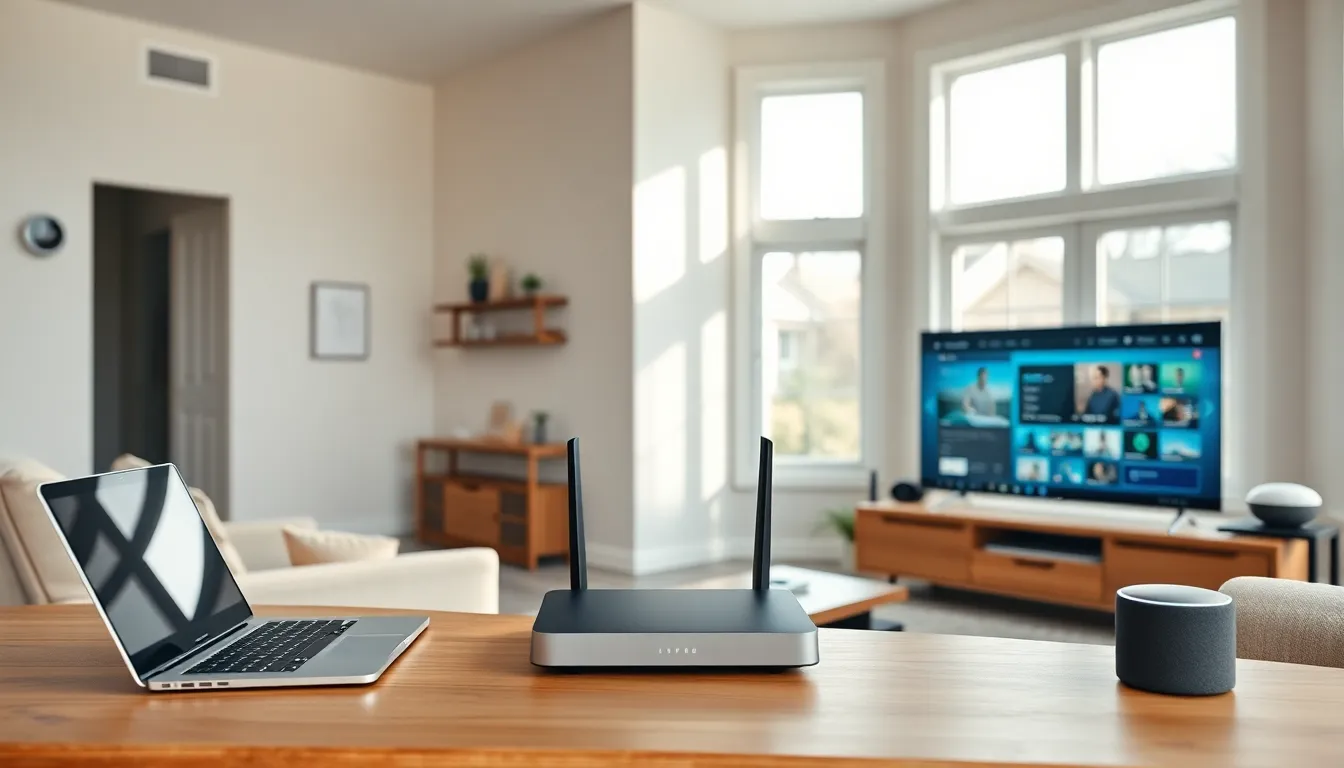
Home networking examples help households build reliable internet connections for work, entertainment, and smart devices. A well-designed home network connects all devices efficiently while providing fast speeds and stable coverage throughout the house. Whether someone streams movies, works remotely, or controls smart thermostats, the right network setup makes a significant difference.
This guide covers practical home networking examples suited for different needs. From basic configurations to advanced mesh systems, each setup addresses specific household requirements. Readers will find actionable information to choose the best home network design for their living situation.
Table of Contents
ToggleKey Takeaways
- Home networking examples range from basic router setups for small households to advanced mesh systems for large, multi-story homes.
- Position your router centrally and elevate it to maximize Wi-Fi coverage and eliminate dead zones.
- Use Wi-Fi 6 routers with QoS settings to prioritize bandwidth for streaming, gaming, and video conferencing.
- Create a separate network for smart home devices to improve security and protect your primary devices from potential breaches.
- Remote workers should use wired Ethernet connections and VPNs for reliable, secure home office networks.
- Mesh networks are ideal for homes over 2,500 square feet, providing seamless coverage without the speed loss of traditional range extenders.
Basic Home Network Setup
A basic home network setup works well for small households with standard internet needs. This configuration typically includes a modem, router, and a few connected devices like laptops, smartphones, and tablets.
Essential Components
The modem connects to the internet service provider (ISP) and brings internet access into the home. A router then distributes this connection wirelessly or through Ethernet cables. Most ISPs provide a combined modem-router unit, though separate devices often deliver better performance.
For a basic home networking example, consider a family of three with two smartphones, one laptop, and a smart TV. A single wireless router placed centrally covers a 1,500-square-foot apartment effectively. The router broadcasts Wi-Fi signals that reach all rooms without dead zones.
Setup Tips
Position the router in a central location away from walls and metal objects. Elevate it on a shelf rather than placing it on the floor. Use WPA3 encryption to secure the network and create a strong password with letters, numbers, and symbols.
Users should connect bandwidth-heavy devices like gaming consoles directly to the router using Ethernet cables. This frees up wireless bandwidth for mobile devices. A basic setup costs between $50 and $150 for a quality router, making it an affordable starting point for most households.
Streaming and Entertainment Networks
Streaming and entertainment networks handle high-bandwidth activities like 4K video, online gaming, and music streaming. These home networking examples prioritize speed and low latency.
Optimal Configuration
A streaming-focused network requires a router with Wi-Fi 6 or Wi-Fi 6E technology. These standards support multiple simultaneous connections without slowdowns. Look for routers with at least 1 Gbps throughput and Quality of Service (QoS) features.
QoS settings let users prioritize certain devices or applications. For instance, they can assign higher bandwidth priority to a streaming device over a smartphone checking email. This prevents buffering during movie night even when other family members browse online.
Home Networking Examples for Entertainment
A typical entertainment setup includes:
- A Wi-Fi 6 router with dual-band support
- Smart TVs connected via 5 GHz band
- Gaming consoles with Ethernet connections
- Streaming sticks and media players
For serious gamers, a wired connection reduces lag significantly. Ethernet cables provide consistent speeds without interference from walls or other devices. Many households run cables through walls or use powerline adapters to extend wired connections to entertainment centers.
Bandwidth requirements vary by activity. Standard HD streaming needs about 5 Mbps, while 4K content requires 25 Mbps per stream. Households with multiple streamers should consider internet plans offering at least 100 Mbps download speeds.
Smart Home Integration Networks
Smart home integration networks connect IoT devices like thermostats, security cameras, door locks, and voice assistants. These home networking examples require careful planning because smart devices often have unique connectivity needs.
Device Management Strategies
Smart homes may include dozens of connected devices. Each device consumes bandwidth and network resources. A dedicated IoT network keeps smart devices separate from computers and phones, improving security and performance.
Many routers support guest networks that work perfectly for this purpose. Users create a secondary network specifically for smart home devices. If a smart device gets compromised, hackers cannot access the main network with personal computers and sensitive data.
Recommended Setup
A smart home networking example might include:
- Primary network for computers, tablets, and smartphones
- Secondary network for smart bulbs, plugs, and sensors
- A hub device for Zigbee or Z-Wave products
Some smart devices use protocols other than Wi-Fi. Zigbee and Z-Wave devices require a compatible hub to communicate with the network. Popular hubs include SmartThings, Hubitat, and some Amazon Echo models.
Router placement matters especially for smart homes. Many IoT devices have weak antennas and need strong signals. Position the router centrally and consider range extenders for devices in distant rooms like garages or basements.
Home Office and Remote Work Networks
Home office networks support video conferencing, cloud applications, and secure business communications. These home networking examples focus on reliability and consistent upload speeds.
Key Requirements
Remote workers depend on stable connections for video calls and file uploads. Asymmetric internet connections offer faster downloads than uploads, which can cause problems during Zoom meetings. Consider internet plans with at least 10 Mbps upload speeds for smooth video conferencing.
A dedicated workspace benefits from a wired Ethernet connection. This eliminates wireless interference and provides the most stable connection possible. Run an Ethernet cable from the router to the home office, or use a powerline adapter if cables aren’t practical.
Security Considerations
Home office networks need stronger security than typical household setups. Use a VPN (Virtual Private Network) to encrypt traffic between the home computer and company servers. Enable the router’s firewall and keep firmware updated to patch security vulnerabilities.
For households with multiple remote workers, QoS settings prevent one person’s video call from affecting another’s. Assign priority to work devices during business hours. Some routers allow scheduling, automatically adjusting priorities throughout the day.
A separate VLAN (Virtual Local Area Network) isolates work traffic from personal devices. This setup requires a more advanced router but provides excellent security and performance separation.
Mesh Network Configurations for Large Homes
Mesh networks solve coverage problems in large homes where single routers cannot reach every room. These home networking examples use multiple access points that work together as one unified system.
How Mesh Networks Work
A mesh system includes a main router unit and several satellite nodes placed throughout the home. Each node communicates with others to create seamless coverage. Devices automatically connect to the strongest nearby node as users move through the house.
Unlike range extenders, mesh networks maintain full speeds throughout the coverage area. Range extenders cut bandwidth in half because they must receive and retransmit signals. Mesh nodes use dedicated backhaul channels that preserve speed.
Ideal Use Cases
Mesh networks suit homes over 2,500 square feet, multi-story buildings, and properties with thick walls or unusual layouts. A three-bedroom house with a basement and backyard might need four mesh nodes for complete coverage.
Popular mesh systems include:
- Google Nest WiFi (covers up to 4,400 sq ft with three units)
- Eero Pro 6E (tri-band with Wi-Fi 6E support)
- TP-Link Deco (affordable option with good coverage)
Placement matters for mesh effectiveness. Position nodes in open areas, not inside closets or behind furniture. Each node should maintain visual line of sight with at least one other node when possible.
Home networking examples using mesh technology cost more upfront but eliminate dead zones completely. Most systems offer easy app-based setup and automatic optimization.


