
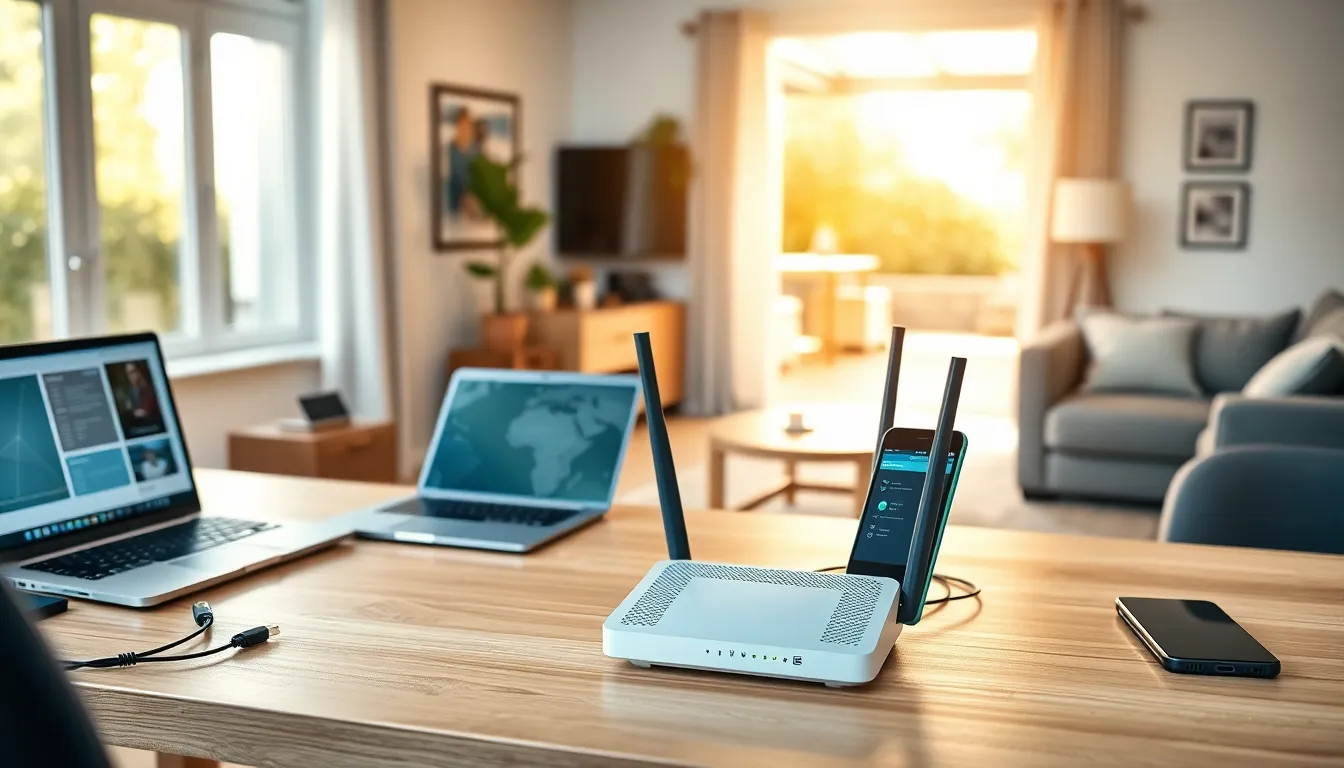
A strong home network is no longer optional. Streaming, remote work, smart devices, and gaming all demand reliable connectivity. Home networking strategies help households build systems that handle modern demands without constant buffering or dropped connections.
The average American home now connects over 20 devices to Wi-Fi. That number keeps climbing. Without proper planning, networks struggle under the load. Slow speeds frustrate users. Dead zones leave rooms disconnected. Security gaps expose personal data.
This guide covers practical home networking strategies that deliver consistent performance. Readers will learn how to assess their needs, select equipment, extend coverage, and protect their networks from threats.
Table of Contents
ToggleKey Takeaways
- Effective home networking strategies start with assessing your household’s device count, usage patterns, and physical layout to avoid over- or under-investing in equipment.
- Upgrade to a Wi-Fi 6 or Wi-Fi 6E router to handle multiple devices efficiently and future-proof your network.
- Place your router in a central, elevated location away from interference sources like microwaves and metal objects for optimal coverage.
- Use mesh systems instead of basic extenders to eliminate dead zones in larger homes without sacrificing speed.
- Secure your network by changing default passwords, enabling WPA3 encryption, and creating a separate guest network for IoT devices.
- Regularly update router firmware and monitor connected devices to protect against security vulnerabilities and unauthorized access.
Assessing Your Home Network Needs
Every household has different connectivity requirements. A single person streaming Netflix needs far less bandwidth than a family of five with gaming consoles, security cameras, and work-from-home setups.
Start by counting devices. List every smartphone, tablet, laptop, smart TV, gaming console, and IoT device in the home. Don’t forget smart thermostats, video doorbells, and voice assistants. These all consume bandwidth.
Next, identify usage patterns. Video calls and online gaming require low latency. Streaming 4K content demands consistent download speeds. Large file uploads need strong upload capacity. Understanding these patterns shapes equipment decisions.
Consider physical layout too. Thick walls block signals. Multi-story homes face vertical coverage challenges. Outdoor spaces may need connectivity for cameras or entertainment areas.
Bandwidth requirements matter significantly. A basic internet plan (25-50 Mbps) works for light usage. Moderate households benefit from 100-200 Mbps. Heavy users with multiple simultaneous streams and gamers should target 300 Mbps or higher.
Home networking strategies succeed when they match actual needs. Over-investing wastes money. Under-investing causes frustration. Take time to document current usage before purchasing any equipment.
Choosing the Right Router and Equipment
The router forms the foundation of home networking strategies. An outdated router bottlenecks even the fastest internet plan.
Wi-Fi standards matter. Wi-Fi 6 (802.11ax) handles multiple devices more efficiently than older Wi-Fi 5 routers. Wi-Fi 6E adds a 6GHz band for even less congestion. For future-proofing, Wi-Fi 6 or newer makes sense for most households.
Router specifications tell important stories. Look for:
- Dual-band or tri-band: Tri-band routers separate traffic across three frequencies, reducing congestion
- MU-MIMO support: Allows simultaneous communication with multiple devices
- Processor speed: Faster processors handle more connections smoothly
- Ethernet ports: Wired connections remain faster and more stable than wireless
Mesh systems deserve consideration for larger homes. Traditional routers broadcast from one point. Mesh networks use multiple nodes that work together, creating seamless coverage across greater areas. They cost more but eliminate dead zones effectively.
Modem selection also affects performance. If leasing equipment from an ISP, check if it limits speeds. Purchasing a DOCSIS 3.1 modem often provides better performance and saves rental fees over time.
Don’t overlook Ethernet cables. Cat6 or Cat6a cables support gigabit speeds. Running wired connections to stationary devices like desktop computers, gaming consoles, and smart TVs improves their performance and frees up wireless bandwidth for mobile devices.
Optimizing Wi-Fi Coverage Throughout Your Home
Router placement dramatically affects Wi-Fi performance. Central locations work best. Placing a router in a corner leaves half its signal broadcasting outside the home.
Elevation helps too. Routers on the floor struggle to reach second stories. Mount them on a shelf or wall at chest height. Keep them away from metal objects, microwaves, and cordless phones that cause interference.
Channel selection impacts speed. In crowded neighborhoods, multiple networks compete on the same channels. Most routers auto-select channels, but manual selection sometimes finds less congested options. Apps like Wi-Fi Analyzer show local channel usage.
The 2.4GHz and 5GHz bands serve different purposes. The 2.4GHz band travels farther but offers slower speeds. The 5GHz band provides faster speeds but struggles with walls and distance. Smart home networking strategies assign devices to appropriate bands based on their location and bandwidth needs.
Wi-Fi extenders offer a budget solution for dead zones. They receive and rebroadcast the router’s signal. But, they typically cut speeds in half and may create separate network names.
Mesh systems provide superior coverage for larger homes. Nodes communicate with each other, maintaining full speeds throughout the network. Devices switch between nodes automatically as users move through the home.
Powerline adapters present another option. They transmit network signals through electrical wiring. This works well in homes where running Ethernet cables proves difficult. Performance varies based on electrical system age and quality.
Securing Your Home Network
Network security protects personal data and prevents unauthorized access. Hackers target poorly secured home networks to steal information or use bandwidth for illegal activities.
Start with the basics. Change default router passwords immediately. Manufacturers ship routers with generic credentials that attackers know. Create strong, unique passwords for both the admin panel and Wi-Fi access.
Enable WPA3 encryption if available. WPA3 provides the strongest protection for wireless traffic. If devices don’t support WPA3, WPA2 remains acceptable. Never use WEP or leave networks open.
Firmware updates fix security vulnerabilities. Enable automatic updates when possible. Otherwise, check for updates monthly. Outdated firmware leaves networks exposed to known exploits.
Create a guest network for visitors and IoT devices. Guest networks isolate traffic from the main network. If a smart lightbulb gets compromised, attackers can’t reach computers containing sensitive data.
Disable features that create vulnerabilities:
- WPS (Wi-Fi Protected Setup): Convenient but easily hacked
- Remote management: Unless specifically needed
- UPnP (Universal Plug and Play): Can be exploited by malware
Monitor connected devices regularly. Most routers show all connected devices in their admin panel. Unknown devices indicate unauthorized access. Home networking strategies should include periodic reviews of this list.
Consider a VPN for additional privacy. VPNs encrypt all traffic leaving the home network, preventing ISPs and others from monitoring online activity.


